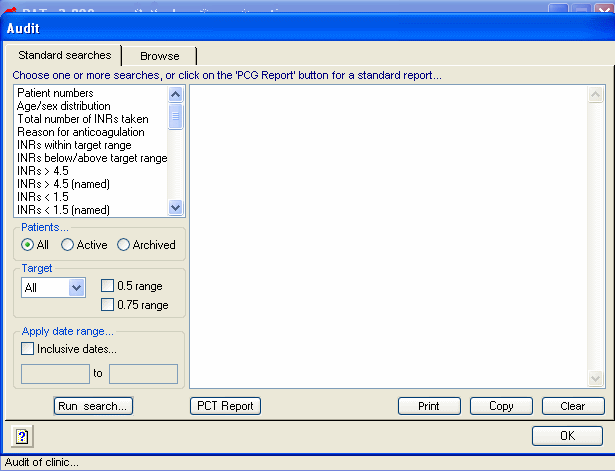
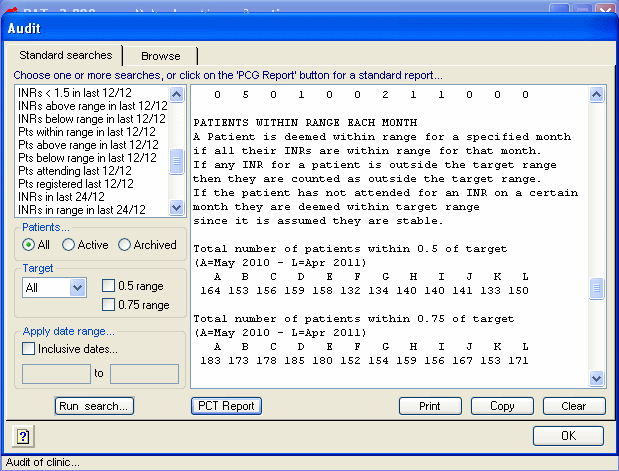
You will see a list of preset audits on the
left that cover just about all scenarios. The most common audit is to click
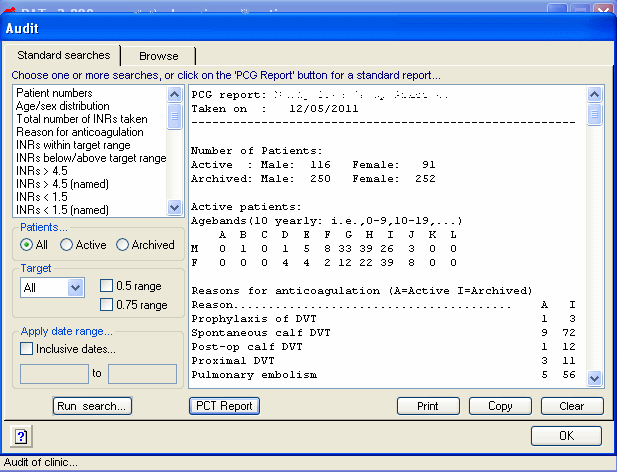
the 'PCT Report' This will produce a variety of data which can be analyzed and graphed.
When you run the audit you ahve the choice of whether you want to print or
copy. Copy allows you to import the text to a word processing document or
even to a spreadsheet.
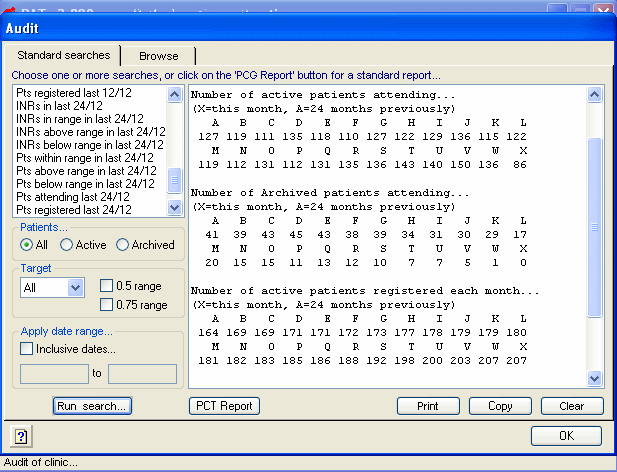
Here is part of the output from the PCT
Report.
You will see it is mostly figures. I decided
not to produce lots of graphs. I will leave that to you. There is lots of
raw data to allow for an varied amount of graphical representations.
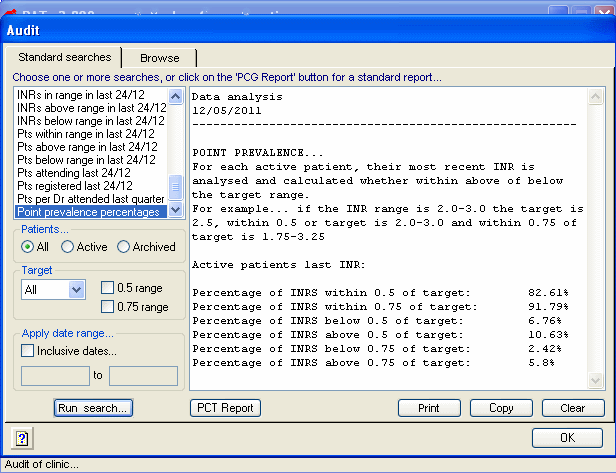
At the end of the PCT Report is a quick audit that
looks at each patient's last INR. It analyses whether the INR was within 0.5
or 0.75 of target. If a patient's INR range is 2.0-3.0, then the target INR
is 2.5. So, within 0.5 of target is 2.0-3.0 and 0.75 of target is 1.75-3.25.
This is the simplest and most useful audit to do on a frequent basis.
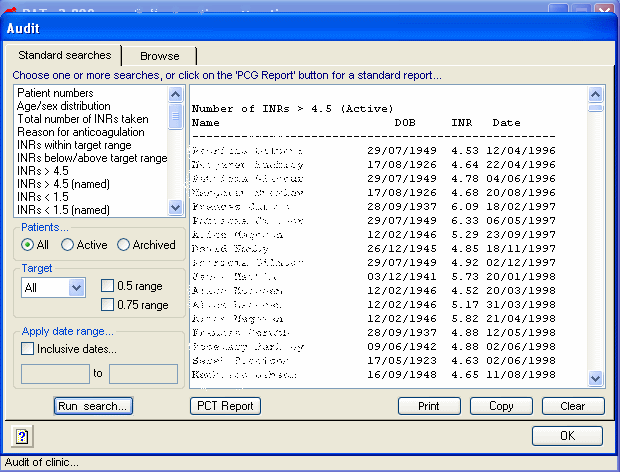
This list is not in the PCT Report. It is called 'INR > 4.5 (named)'. It
names all the patients that have ever had an INR >4.5 , the date and the
actual INR value recorded. This is useful to look at significant events.
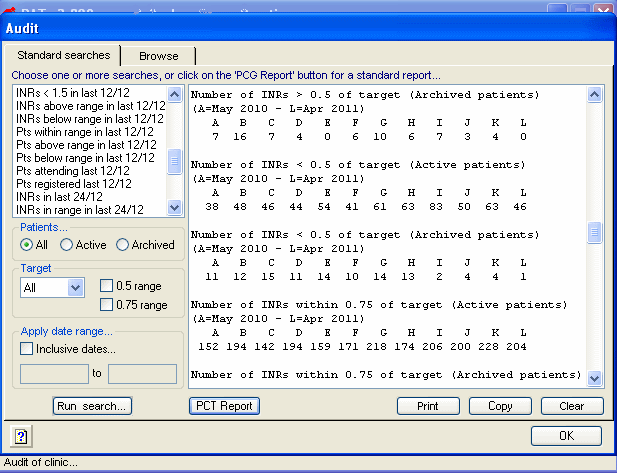
This is a snapshot of some of the monthly analysis
from the PCT Report. RAT looks at monthly attendances, INRs above and below
0.5 and 0.75 of the target INR.
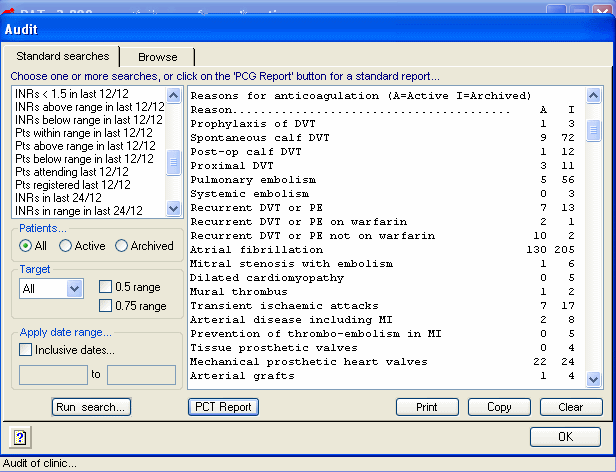
This output is the general synopsis of numbers of patients in each of the
categories for warfarin treatment.
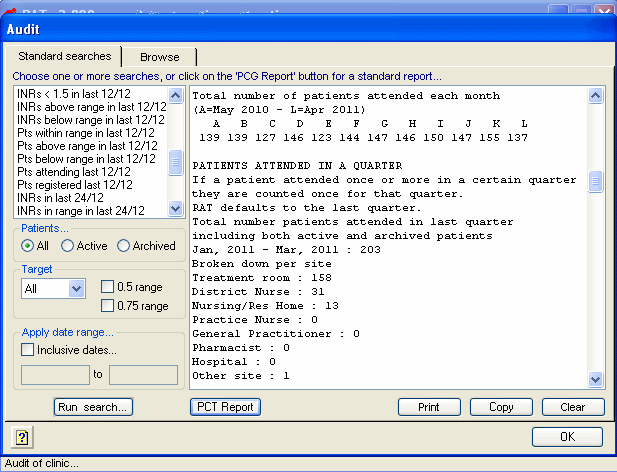
Another snapshot of the PCT Report. It shows the
number of patients who attended in the previous financial quarter and where
they had their test taken. The financial quarters are 1st Jan to 31st March,
1st April to 30th June, 1st July to 30th September and 1st October to 31st
December.
RAT not only looks at INRs within range but also
at patients within range each month.. The PCT report explains how the
analysis differs.
Please note RAT
should only be used by health professionals familiar with
warfarin management